

- Pixal3D (frequently searched as Pixel3D) runs live single-image-to-GLB reconstruction through TRELLIS 2 on
pixal3d.aiwith transparent credit pricing: 160 credits per default GLB (1024 grid, 2K PBR textures, ~200k triangles) and zero subscription lock-in. - Meshy and Tripo3D excel when you want chat-first concept exploration or monthly subscription seats with built-in rigging UI, whereas Pixal3D wins on one-time pay-as-you-go packs (Try $19.99 / 500 credits = 3 GLB models) and free local browser inspection tools.
- Hunyuan3D-2 and self-hosted TRELLIS 2 checkpoints remain strong open-source options if your studio already owns 24 GB+ NVIDIA GPUs and maintains Linux CUDA pipelines.
- Test the interactive preset estimator and official 3D GLB preview below before spending a single credit.
Choosing the best image to 3D model generator in 2026 comes down to three practical questions rather than marketing demo reels: how faithfully does the mesh preserve your reference photo's silhouette, what exact file format and PBR texture quality land on your hard drive, and how much do you actually pay per usable asset when you are not generating every day? Many teams searching for Pixel3D or Pixal3D are looking for a clean, no-GPU way to convert product photos, game props, or character turnarounds into downloadable .glb assets without locking into an idle monthly subscription.
In this 2026 buyer's guide, we compare the leading hosted and open-source image-to-3D model generators side by side — covering Pixal3D (hosted TRELLIS 2), Meshy, Tripo3D, Hyper3D Rodin, and Hunyuan3D-2. Every credit number and format detail cited for Pixal3D matches the live billing table on our Pricing page.
Pixal3D vs Pixel3D: clearing up the name before you compare
Because “pixel” is the standard English spelling, thousands of 3D artists, indie developers, and e-commerce designers type pixel3d or pixel 3d generator when looking for the pixel-aligned 3D reconstruction model and hosted service at Pixal3D (pixal3d.ai). Both queries point to the same workflow: upload one clear 2D reference image in your browser and export a textured glTF 2.0 (.glb) mesh with embedded PBR channels (base color, metallic-roughness, and surface detail) ready for Blender, Unity, Unreal Engine 5, Three.js, or STL conversion for 3D printing.
One transparent architectural detail matters in 2026: on the hosted Pixal3D workspace, single-image-to-3D runs on live TRELLIS 2 inference so every run quotes predictable credits up front (160 credits at default 1024 resolution / 2K PBR textures, up to 240 credits at 1536 resolution / 4K textures) and automatically restores credits if an upstream job ever fails.
Try the interactive 3D preset estimator & live GLB preview
Before comparing platforms on paper, toggle the real preset profiles below to see how geometry resolution, PBR texture size, and target triangle budgets affect credit cost on Pixal3D — and load the official interactive GLB sample directly inside this guide.
Interactive 3D Preset & Credit Estimator + Live GLB Preview
Compare Pixal3D / TRELLIS 2 presets and inspect an official output GLB in your browser.
1. Quality preset
2. Geometry resolution
3. PBR texture size
Best fit: Unity URP/HDRP, Unreal Engine 5, Blender, e-commerce AR. Default 160-credit production lane with clean topology and 2K PBR maps.
Official Input → Interactive GLB Sample
Download GLB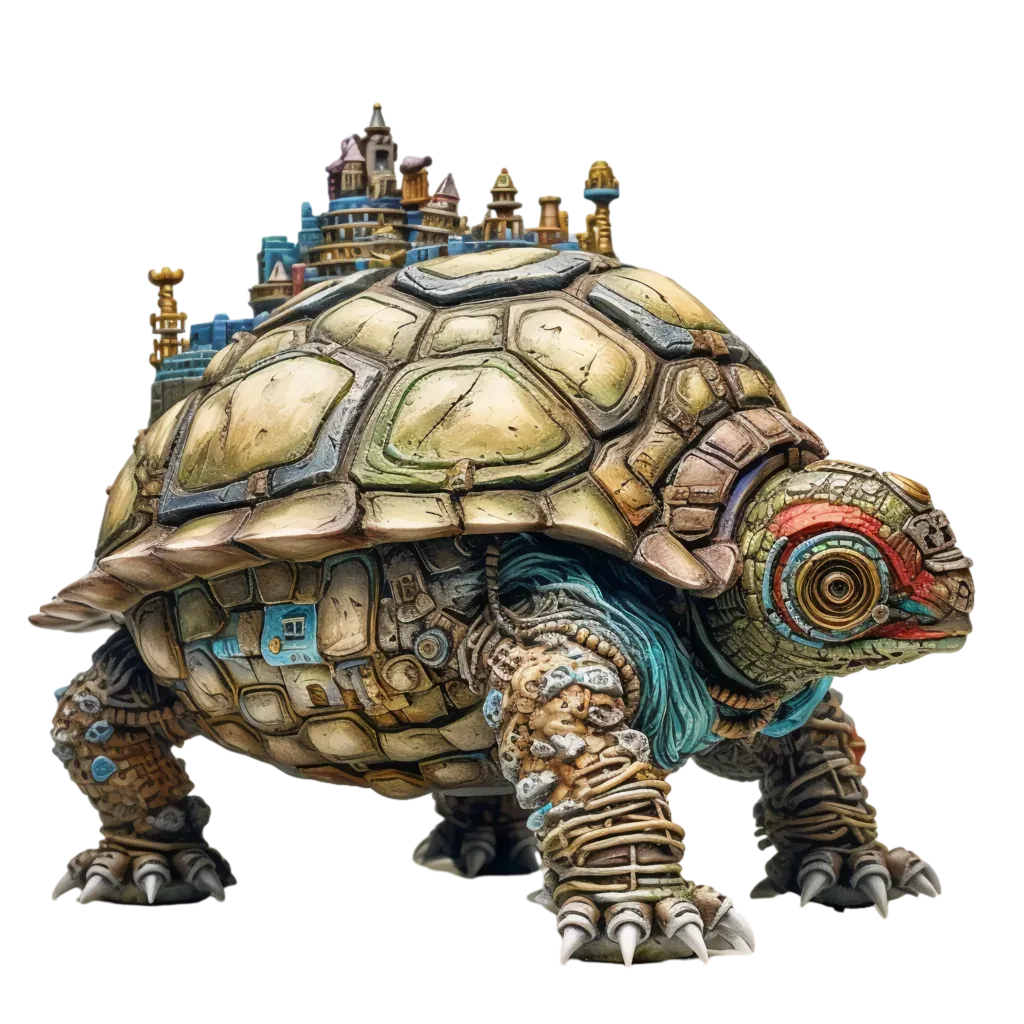 1. Input photo
Real pre-generated sample from the official Pixal3D gallery. Every hosted job quotes its exact credit total before execution and auto-refunds credits if a run fails.
2026 Image-to-3D Model Generator Comparison Matrix
Each generator below solves a slightly different production bottleneck. Rather than inventing synthetic scores, this matrix focuses on verifiable workflow traits: billing structure, local GPU requirements, primary output format, and where each platform genuinely shines.
| Platform / Model | Best For | Primary Output | Billing Model | GPU Required? |
|---|---|---|---|---|
| Pixal3D (Pixel3D / TRELLIS 2) | Pay-once GLB packs, clean PBR assets, local QA tools | GLB (PBR 1K–4K) + free local OBJ/STL/FBX converters | One-time packs (from $19.99 / 3 GLBs) or monthly/annual | No (hosted browser queue) |
| Meshy | All-in-one prompt chat, concept iteration & auto-rig UI | GLB, FBX, OBJ, USDZ | Subscription tiers + credit top-ups | No (cloud SaaS) |
| Tripo3D | Fast stylized characters, animation presets & web studio | GLB, FBX, OBJ, USDZ | Subscription tiers + API credits | No (cloud SaaS) |
| Hyper3D Rodin | High-detail hard-surface & hero studio renders | GLB, FBX, OBJ, STL | Subscription & enterprise tiers | No (cloud SaaS) |
| Hunyuan3D-2 / TRELLIS 2 (Local) | Zero per-asset API cost for studios with dedicated GPUs | GLB / OBJ (pipeline-dependent) | Open-source weights (hardware + ops cost) | Yes (24 GB+ VRAM NVIDIA CUDA) |
Deep-dive: which image-to-3D generator fits your 2026 workflow?
1. Pixal3D (Pixel3D) — Best for pay-once credit packs & predictable GLB handoff
Most independent developers, product marketers, and 3D-printing makers do not generate fifty models every month. They need three to ten solid models for a sprint, a prototype, or a product launch — and then they move back into Blender, Unity, or Unreal Engine for weeks. Monthly subscriptions punish intermittent usage because unused monthly credits reset.
Pixal3D addresses that gap directly with transparent one-time credit packs alongside optional monthly and annual plans (saving up to 41% annually):
- Single pack: designed for testing one real default 160-credit image-to-GLB job on your own artwork before committing to a larger batch, with leftover credits valid for 30 days.
- Try pack ($19.99 / 500 credits): covers 3 complete default GLB generations ($6.66 per model) with 20 credits remaining, valid for 30 days and zero auto-renewal.
- Plus pack ($49 / 1,500 credits): drops the cost to ~$5.44 per default model across 9 full GLB exports for small studio sprints.
- Zero-cost local 3D utilities: every viewer, GLB inspector, scale calculator, and GLB-to-OBJ/STL converter under Pixal3D Free Tools runs 100% locally in your browser — never uploading files and never spending a credit.
Honest note on free signup credits
2. Meshy — Best for multi-stage AI chat & concept-to-3D suites
If your workflow begins from rough text ideas rather than an existing photo, Meshy's workspace shines because it bundles text-to-image, text-to-3D, re-texturing, and basic humanoid rigging inside one subscription suite. The tradeoff is recurring monthly billing if you want commercial rights and faster queue priority, plus extra steps when you already have a clean product or character photo ready to convert.
3. Tripo3D — Best for stylized characters and quick prototyping
Tripo3D delivers fast turnaround times and strong stylized character proportions, making it popular among mobile game teams doing early blockouts. For photorealistic product props or teams that want strict per-job pay-once accounting without managing monthly seat renewals, a credit-pack workflow like Pixal3D is often simpler to budget.
4. Hyper3D Rodin — Best for high-budget hard-surface hero props
Hyper3D Rodin is well regarded for crisp hard-surface edges and detailed industrial props. It sits at a higher recurring tier that makes sense for agencies generating dozens of hero assets every month, while solo creators and occasional buyers frequently prefer starting with a lower-commitment one-time pack.
5. Local Open-Source (TRELLIS 2 / Hunyuan3D-2) — Best for high-volume studios with 24 GB+ GPUs
Running open weights locally eliminates per-job cloud fees once your hardware is paid for. However, upstream checkpoints typically require Linux, CUDA 12.4+, and a 24 GB VRAM GPU (such as an RTX 3090/4090 or A6000) plus Python dependency maintenance. If you only need 3–25 models a quarter, hosted pay-once credits cost far less than renting or buying dedicated GPU capacity.
How to get clean 3D geometry on your very first image-to-3D run
Across every 2026 image-to-3D model — whether Pixal3D, Meshy, Tripo3D, or local TRELLIS 2 — input image hygiene determines 70% of your final mesh quality. Follow this five-point preflight checklist before clicking Generate so you never waste credits on messy reconstructions:
Isolate one centered subject
Leave 10–15% clean margin around every edge so limbs, handles, or thin geometry are never clipped.
Use diffuse, shadow-free lighting
Heavy cast shadows get baked into the PBR albedo texture and look unnatural under dynamic game lights.
Shoot a slight 3/4 front angle
Gives the model depth cues so side thickness and back-face proportions reconstruct cleanly.
Strip cluttered backgrounds and overlays
Remove text badges, watermarks, and overlapping props before uploading.
Match preset to destination engine
Pick Balanced (160 cr / 200k tris) for games and web AR; reserve Fidelity (1536 / 4K) for close-up hero renders.
Inspect any GLB locally before importing into Blender, Unity, or Unreal
Once your 3D generator outputs a .glb, rotate it 360° and inspect the backside, underside, and PBR sheen before pulling it into a production scene. You can drop any local GLB right into the browser viewer below — it runs completely client-side with zero uploads and zero credits spent:
Browser-only, private
Free GLB Viewer
Open GLB files locally with orbit controls before 3D review, import, or conversion.
Free GLB Viewer
Runs locally in your browser, no upload. Load it to start.
Recommended 2026 workflow: from single photo to shipped 3D asset
Start with a clean 3/4 reference image
Crop out clutter and use even lighting. If you only have a text idea, draft a crisp 2D concept image first, then feed the best still into image-to-3D.
Run one Balanced (160-credit) GLB generation
Generate on the default 1024 grid with 2K PBR textures in Pixal3D. Review the quoted credit cost before confirming; failed jobs refund automatically.
Inspect locally and convert only if needed
Check topology and textures in our free local GLB Viewer or GLB Inspector, then convert to OBJ or STL locally in your browser if your slicer or legacy DCC requires it.
Import into your target engine
Unreal Engine 5 imports GLB natively; Unity imports GLB cleanly via glTFast; Roblox Studio and mobile targets benefit from a quick decimation pass in Blender.
Frequently Asked Questions (2026)
Is Pixal3D the same as Pixel3D?
Yes. Many visitors search for “Pixel3D” when looking for Pixal3D (pixal3d.ai), our hosted AI image-to-3D GLB generator and free local 3D browser utility suite.
What is the best image-to-3D generator without a monthly subscription?
If you want pay-once credits that do not auto-renew, Pixal3D offers one-time packs starting from a single GLB test pack and the $19.99 Try pack (500 credits = 3 default 160-credit GLB jobs). Unused one-time purchases are eligible for a 3-day refund review.
Which 3D output format should I choose in 2026?
GLB (binary glTF 2.0) is the cleanest default because it packs geometry, UVs, and PBR textures into a single portable file supported by Three.js, Blender, Unreal Engine 5, and Unity (via glTFast). When you need STL for 3D printing or OBJ for legacy tools, convert your GLB locally for free with zero cloud upload.
Can I also generate 3D character motion from text?
Yes. Alongside single-image-to-GLB generation, the Pixal3D AI 3D Generator includes a dedicated Hunyuan Motion text-to-motion lane that exports rigged FBX + motion JSON files.
Ready to test on your own image?
Convert one image into a textured GLB — no GPU or subscription needed
Check the exact credit cost before every run. Failed jobs auto-refund credits, and unused one-time credit packs include a 3-day refund review window.