
Pixal3D: Pixel-Aligned Image to 3D from One Photo
If you have a photo or concept and want a 3D asset, you see the GLB result before you pay for more.

A default Pixal3D job costs 220 credits; default Trellis 2 costs 160. Higher settings can cost more. Check the cost before generating.
Welcome Credits0/5
Pixal3D: Pixel-Aligned Image to 3D from One Photo
Faithful image-to-GLBPixel-aligned 3D
Faithful image-to-GLB with pixel-aligned 3D
Use the fal production path for saved Pixal3D and Trellis 2 GLB jobs, then compare a second model lane before spending cleanup time.
Choose a credit pack to generate. New accounts get 5 free image credits; a default Pixal3D job costs 220 credits. Existing balances keep their original expiry.
Cost220 credits180-390 credits
Pixel-aligned input check
Full subject in frameClear silhouette and edgesLow occlusionSimple backgroundHigh-resolution sourceNeutral lighting when possible
PNG, JPG, WebP, AVIF or GIF · up to 10 MB
2048 texture · 200,000 target vertices
Official Pixal3D research demo
Compare against the embedded TencentARC Space
Keep the production workflow in the authenticated generator above; this external research Space appears after a short delay for inspection.
Official demo loads here automatically in a few seconds.
Use the production generator above for saved tasks, credits, and downloadable GLB results.
Official Pixal3D results
3D Sample Gallery
Explore results from the official Pixal3D research paper gallery. Each sample shows the input image alongside a link to the generated 3D GLB mesh.
Standard Results
Segmentation-Aware Results
Assets sourced from the official Pixal3D project gallery (ldyang694.github.io). GLB files open in a new tab for inspection.
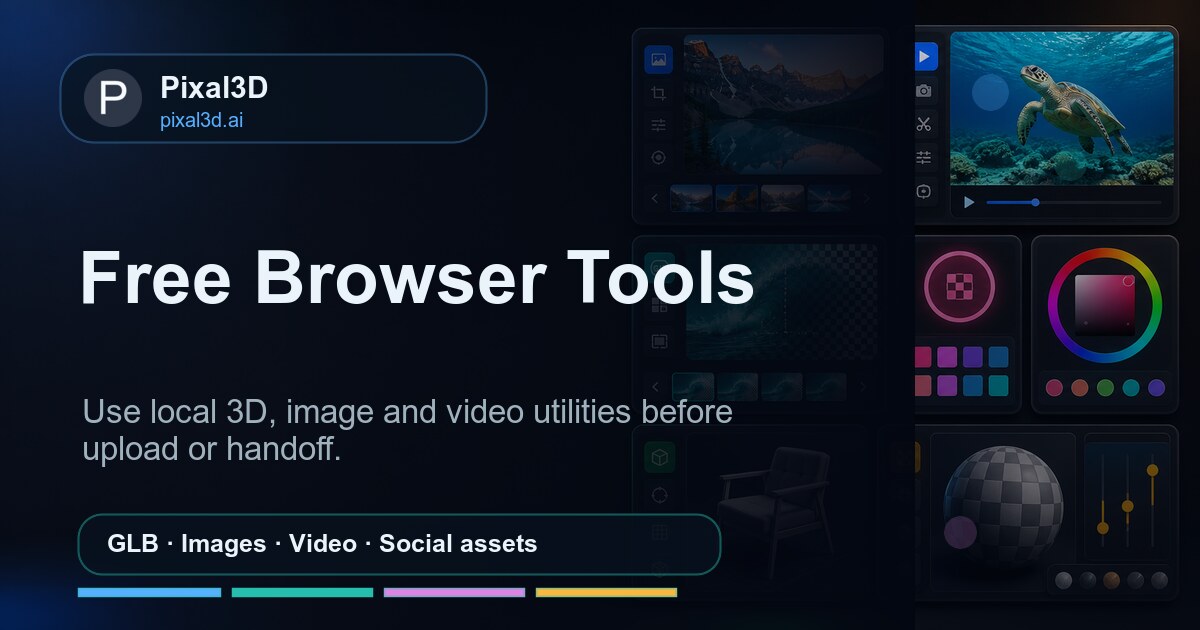
Free browser-based tools
3D Tools & Pixal3D Project Links
Prepare source images, inspect GLB/OBJ/STL/FBX assets, and verify official Pixal3D research links before generation or delivery.
Free Tools
3D Model ViewerInspect GLB, OBJ, STL, and FBX models locally.GLB InspectorCheck GLB structure, scenes, meshes, materials, and animations.3D Format ConverterConvert GLB, OBJ, and STL files in browser.Texture CheckerVerify texture dimensions and GPU memory before export.Model ScaleCalculate real-world model scale before import.Image CompressorReduce source-image size before upload or handoff.Image ConverterConvert PNG, JPG, and WebP source images locally.Transparent PNG MakerCreate clean transparent source assets without upload.WebP ConverterConvert WebP images to PNG, JPG, or WebP.JPG to PNGConvert JPG images to lossless PNG locally.
Official Resources
arXiv PaperPixal3D: Pixel-Aligned 3D Generation from Images, submitted May 11, 2026.GitHub RepositoryOfficial inference code, main and paper branches, requirements, and demo app.Hugging Face ModelModel card, license, Spaces list, and image-to-3D model files.Official Project PageResearch results, comparisons, method figure, and interactive 3D viewers.Hugging Face DemoPublic Pixal3D-Server Gradio demo and current queue status.
Halloween AI Studio 2026
One selfie. Endless Halloween looks.
Turn one clear photo into a Halloween costume portrait, a five-second video, or a copy-ready prompt. Choose a tested look and open it in the image workspace.
See all ten looks


Image to 3D
What one photo turns into
Image to 3D means turning a single photograph into a 3D asset. Generation lifts the pixels of the source into geometry instead of wrapping a generic mesh, so the side your camera saw keeps the colours, proportions, and surface detail of the photo.
The result is a GLB with PBR maps — base colour and roughness included — that you preview in the page, download, and open in Blender, Unity, Unreal, or any GLB viewer. Two image-to-3D lanes run from the same source: Pixal3D, the pixel-faithful default, and Trellis 2, a second geometry read of the same picture. Text prompt to FBX motion is a separate lane.
One honest limit: a single image cannot describe what it never showed. The back of an object, a hidden hand, or a cropped base stays a manual cleanup step, which is why the input checks matter more than the prompt.
Related 3D guides
- Photo to 3D ModelHow to shoot a photo that converts well, what fails, and what the GLB contains.
- 2D Image to 3D ModelPrepare illustrations, renders, and sprites, and know what the back side invents.
- 3D Pixel: Pixel-Aligned Image to 3DPixel-aligned criteria, source-image checks, and voxel/texel resolution for a GLB.
- 3D AI: AI 3D Model GenerationChoose between Pixal3D, Trellis 2, and Hunyuan Motion before spending credits.
- 3D Object CreatorWhich object classes convert well from one image, and how the presets steer the mesh.
- Image to MeshWhat the generated GLB geometry contains, and how to inspect and repair it.
- 3D Asset GeneratorThe handoff checklist for scale, textures, triangle budget, and engine import.
- 3D Printing AIGenerate a GLB from one photo, convert it to STL, and check it before slicing.
- Text to MotionDescribe an action and generate FBX motion plus motion JSON instead of a mesh.
- Image to 3D for ShopifyTurn a packshot into a GLB, inspect it, and test it on a product page.
- Image to 3D Model FreeExactly what a hosted job costs, and which browser tools need no account.
- Open Source Image to 3DWhich upstream models are public with their own licences, and what is hosted.
- AI Generated 3D ModelsWhat one image produces, and the checks to run before you use the result.
A workspace built around the Pixal3D model
Choose Pixal3D or Trellis 2 for image-to-GLB generation, or Hunyuan Motion for text-to-motion. Check the selected model and settings for the cost before generating.
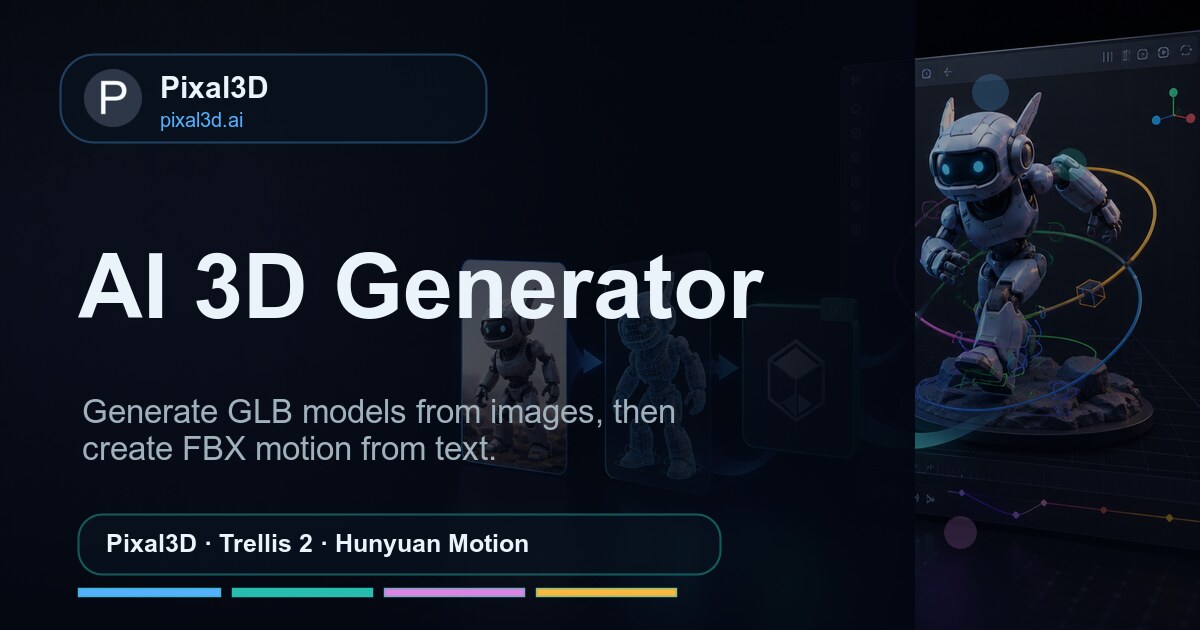
Pixal3D Image to 3D
Generate textured GLB assets from one image using the Pixal3D model.
Pixel-Aligned Back-Projection
Pixal3D projects source pixels back onto the mesh, so surface colour and fine detail stay where the photograph put them.
Trellis 2 Comparison Lane
Run the same image through Trellis 2 as a second reconstruction and keep whichever GLB reads better in your scene.
220 Credits per Default GLB
A default Pixal3D job costs 220 credits; default Trellis 2 costs 160. Higher settings can cost more. Check the cost before generating. Choose a credit pack to generate; new accounts get 5 free image credits. Existing balances keep their original expiry.
Textured GLB Delivery
Successful image-to-3D jobs provide a downloadable textured GLB. Inspect hidden surfaces, materials, and topology before handoff; manual cleanup may be needed.
Local Checks Before You Spend
Free browser tools read GLB structure, texture memory, and scale locally, so problems surface before you commit credits.
How to Use Pixal3D
Upload an image, tune reconstruction settings, review geometry and textures, then download the GLB output.

1
Upload an Image
Start image-to-3D with a public image URL or an uploaded product, character, object, or concept reference.
2
Choose a 3D Model
Use Pixal3D for high-fidelity image-to-3D generation, then compare reconstruction settings before export.
3
Review the 3D Pass
Check geometry, texture recovery, and output readiness before downloading the GLB.
4
Download Outputs
Download the GLB from the workspace or account activity once the task succeeds, then inspect it before importing into your scene.
Pixal3D FAQ
Fast answers about Pixal3D image-to-3D, credits, accounts, GLB outputs, privacy, and support.
1 What can I generate on Pixal3D?
Upload one image to generate a textured GLB with Pixal3D or Trellis 2. Hunyuan Motion turns a text prompt into motion files, with FBX and JSON downloads when returned by the provider. Inspect results before use: a single image cannot establish the hidden side of an object.
2 Do I need an account before I generate?
A default Pixal3D job costs 220 credits; default Trellis 2 costs 160. Higher settings can cost more. Check the cost before generating. Choose a credit pack to generate; new accounts get 5 free image credits. Existing balances keep their original expiry.
3 Which Pixal3D lane should I pick?
Start with the Pixal3D lane when pixel-aligned fidelity to your source image is the priority. Switch to the Trellis 2 lane when you want a second reconstruction of the same image to compare against.
4 Is Pixal3D.ai the same as Pixel3D or the official research project?
You are on pixal3d.ai, an independent hosted service using the Pixal3D, Trellis 2, and Hunyuan Motion models through Fal. It is not affiliated with the research teams. A search for Pixel3D may refer to a different product; check the domain and whether you need image-to-GLB generation.
5 How is Pixal3D different from Meshy or Rodin?
Meshy and Rodin sell monthly subscription allowances; Pixal3D gives 5 one-time signup credits, enough for one 1K image, and prices each 3D job instead. A default Pixal3D lane job costs 220 credits and a default Trellis 2 job costs 160, shown before you submit, and the output is a textured GLB plus free in-browser inspection and conversion tools. The dated 2026 comparison with Meshy and Rodin is on the Meshy alternatives page.
6 What happens if a Pixal3D job fails?
A run that failed on our side is reviewed for a credit refund under the Refund Policy; a run that delivered a GLB consumes its credits. Unused one-time credits can be requested within 3 calendar days. If the result merely looks incomplete, the usual cause is the source image: one photo cannot establish the hidden side of an object, so start again with a sharper, evenly lit image.
7 Are the Pixal3D browser tools really free?
Yes. GLB inspection, texture sizing, format conversion, and the rest of the local tool set run entirely inside your browser. They never upload your files and never draw on your Pixal3D credit balance.
8 Can I sell work built from a Pixal3D model?
Your rights depend on the source image you supplied and the model terms behind the lane you chose. If a client or marketplace asks for proof of commercial access, download the business certificate from your account.
9 What happens to the image I upload?
Your source image is sent to the generation provider for the job you started and nothing else. Outputs stay in account history so you can download them again later.
10 How do I reach the Pixal3D support team?
Email support@pixal3d.ai with your account address and the task ID from your activity list. Failed Pixal3D runs are reviewed for a credit refund under the Refund Policy.
Need help? Email support@pixal3d.ai